IKS in the Community
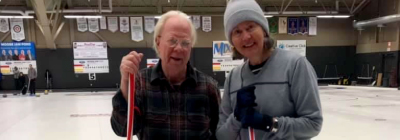
IKS sponsored rings at the Moose Jaw Ford Curling Centre.
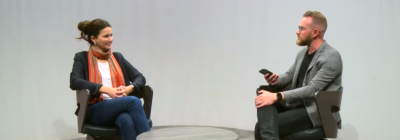
10 Questions with Tyson Liske - IKS sponsored this series of interviews with the Regina mayoral election candidates to provide the public with unbiased information on those who were running for the office of mayor.
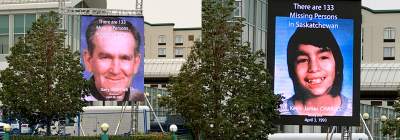
IKS provided the large screen that was set up on Saskatchewan Drive in Regina, SK, for Missing Persons Week to help raise public awareness of missing adults and children.